Review page
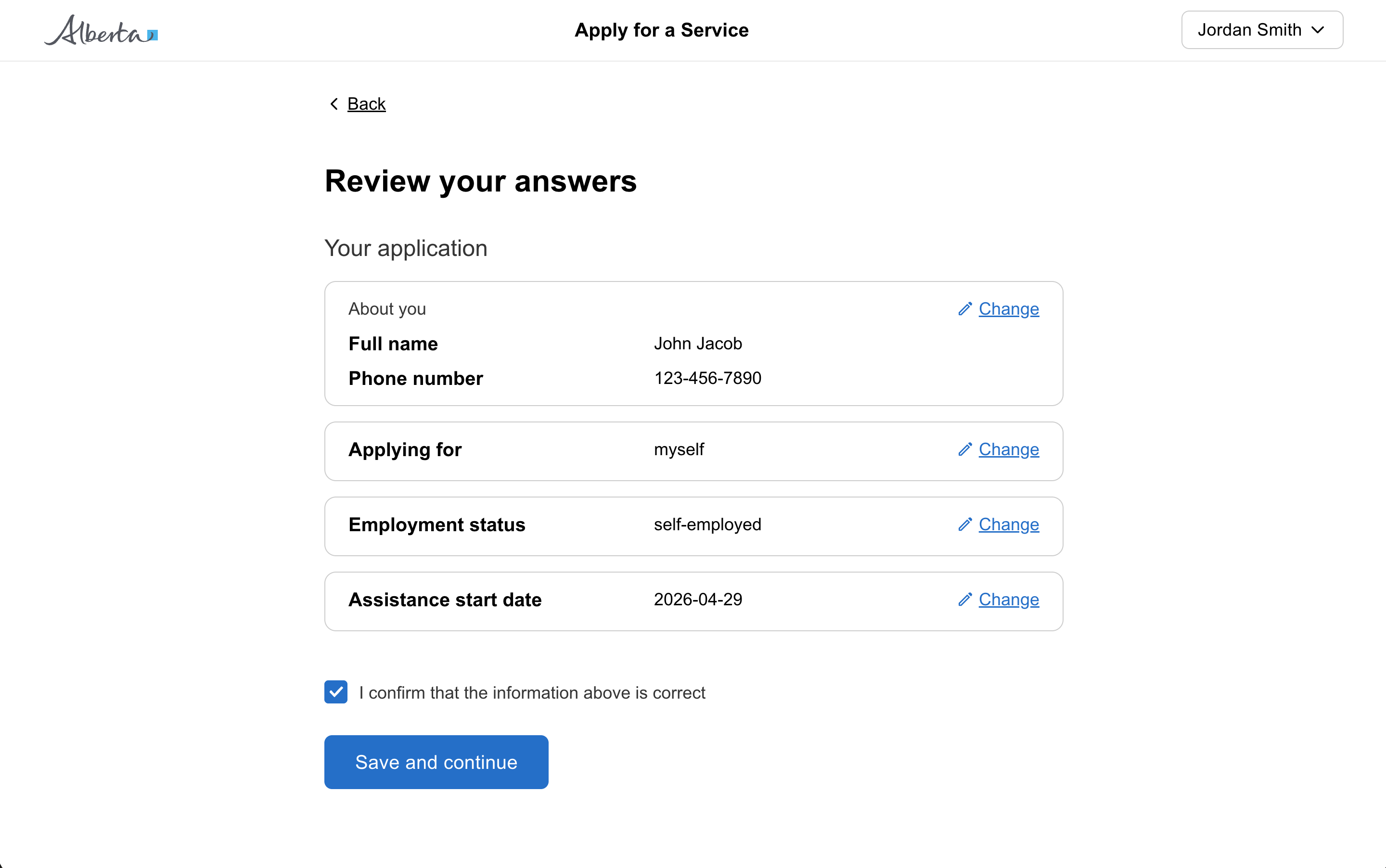
A review page lets a user check their answers at the end of a form or section before submitting. Each answer has a "change" link so the user can revise without starting over.
When to use a review page
Review and submit your answers at the end of a form or section.
When designing a very large transaction with multiple sections, it may help to include a check-answers page at the end of each section.
Let users go back and change their answers
Provide a “change” link next to each section so that users can add or change the information they are submitting.
If you have questions that are optional, let users know that they have skipped them without giving an answer by showing their response as “Not provided”.
Include the full question name again in the change button as visually hidden text so that the screen reader reads out “change [question]” instead of just “change”. This gives context to a user using assistive technologies while keeping the link simple for most users.