Result page
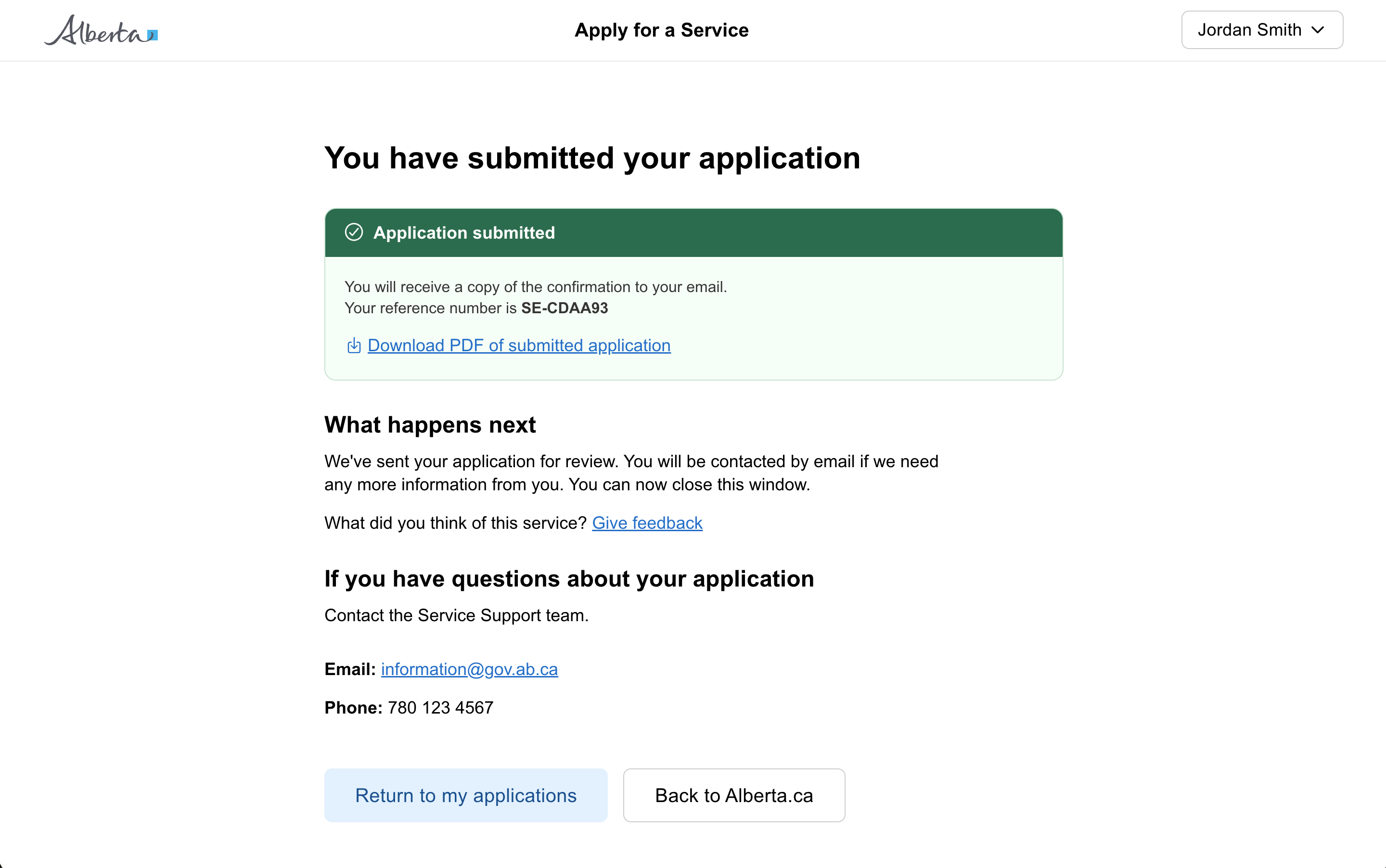
A result page shown after a citizen has submitted a form, application, or task. Confirms success, explains what happens next, and points the user at any follow-up actions.
When to use a result page
Use a result page when a user has submitted a form, application, or task, and there is a result to show them.
What content to include
- details of what happens next, and when
- a reference number, if applicable
- a link to save a record of the confirmation, for example as a PDF
- a link to give feedback on the service
- contact details for the service
- links to information or services that users are likely to need next
Considerations
- Use a success callout to clearly indicate the submission was received
- Mention where a confirmation email will be sent, if applicable
- Keep the success message clear, reassuring, and short
- Surface contact information so users can reach out if something is wrong