Index page
The page staff land on to scan, filter, sort, and pick records to work on. The home of the workspace's daily queue.
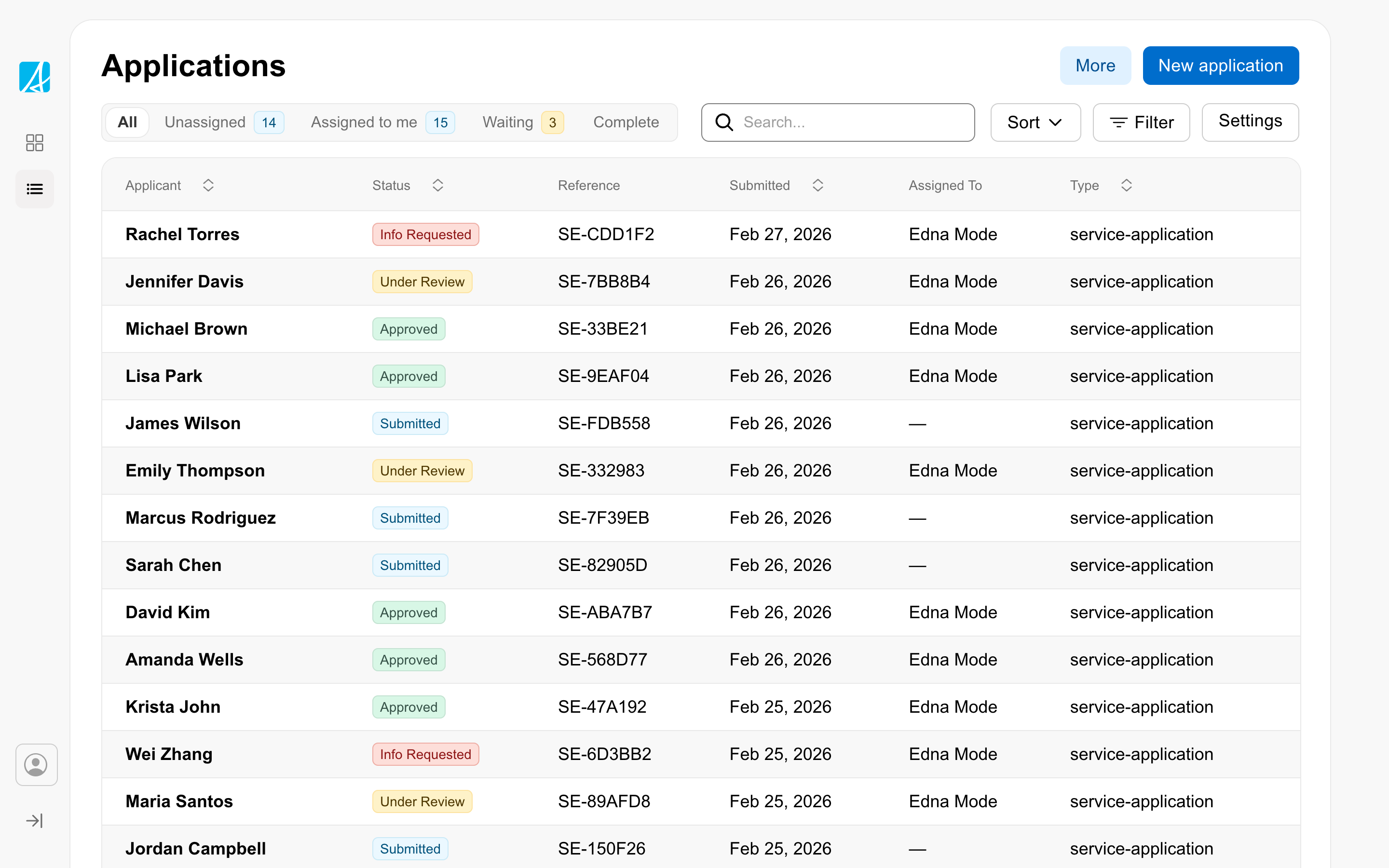
When to use
Use the index page as the workspace’s main listing surface. Most workspaces have one or more, organized by record type (applications, cases, claims, requests).
Structure
The index page is built around a data view showing the records the user is responsible for. Tabs filter by status. Search and filter chips narrow further. A primary action button (often “New record”) lives in the page header.
Considerations
- Surface what staff need to act on first. The default sort and filter should reflect a typical worker’s queue, not the database’s order.
- Keep the action bar slim. Filters and search go inside the table region; high-level actions sit in the page header.
- Pair with sidebar navigation so staff can jump between index pages for different record types.