Dashboard
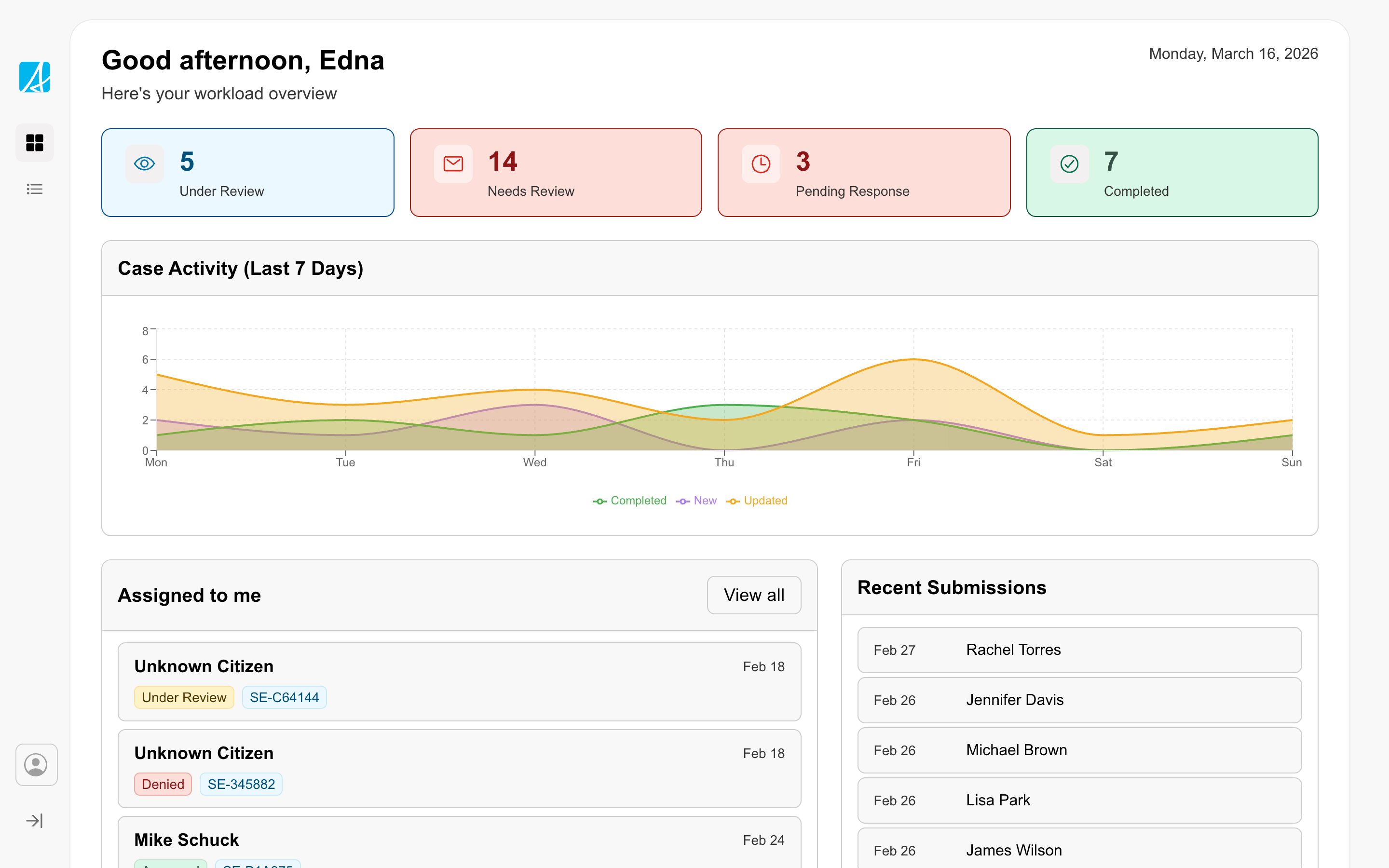
Gives staff an overview of their work with counts, trends, and assigned items.
When to use
Use a dashboard as the landing view of a workspace when staff need to see priorities and act quickly.
What to include
Include the information that helps staff understand priorities and act quickly, such as:
- counts or status summaries
- trends or workload charts
- links to assigned or high-priority work
Layout
The layout uses containers and blocks to organize content into scannable sections.
Considerations
Prioritize the two or three things staff need to see on arrival. Surface everything else from deeper navigation rather than crowding the dashboard.